What is Website Accessibility?
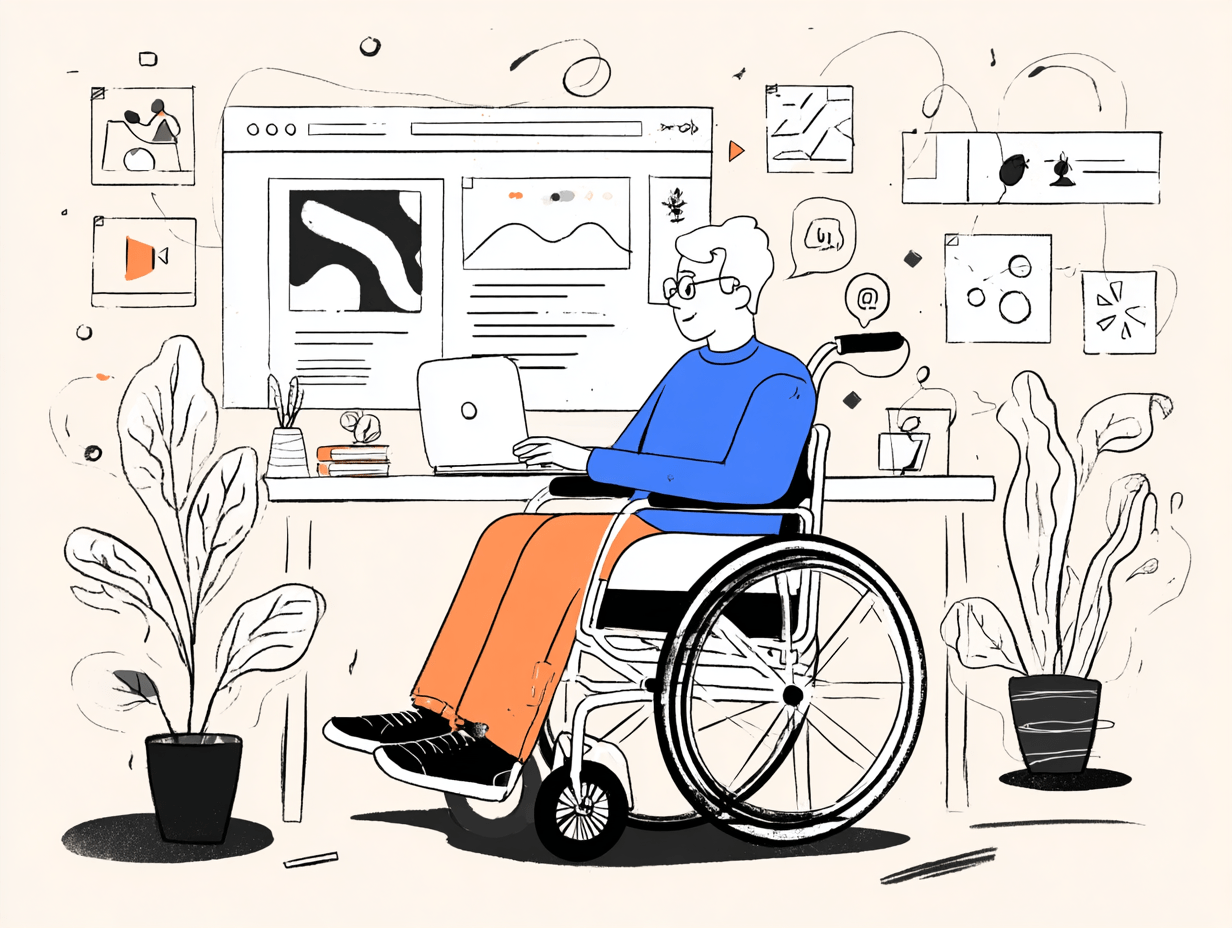
Imagine visiting a store where some people can’t get through the doorway or can’t understand the signs. That’s what it’s like when a website isn’t accessible. Website accessibility means shaping digital content and services so everyone, including people with disabilities, can engage with it. This covers those with visual, auditory, mobility, or cognitive challenges—and it benefits users facing temporary hurdles, like a broken arm, or situational ones, like being outdoors in the sun or stuck on a slow internet connection.
Accessibility involves things like providing descriptive alt text for images, using HTML in a way that makes sense for all users (not just visually), making sure your site works with just a keyboard, and adding captions for videos. At its core, web accessibility is guided by four principles: perceivability, operability, understandability, and robustness. The end goal? Everyone can access your information, products, and services, no matter what technology they’re using or what abilities they have. When you build accessible sites, you open your doors to a bigger audience and show that your business values inclusivity and equal opportunity.
Learn more | Why build accessible websites?
The Legal and Ethical Reasons for Accessible Websites
Skipping web accessibility isn’t just a missed opportunity—it could get you in legal hot water. In the United States, the Americans with Disabilities Act (ADA) requires businesses and organizations to make sure their websites don’t exclude people with disabilities. More and more lawsuits and financial penalties have motivated organizations large and small to adopt standards like the Web Content Accessibility Guidelines (WCAG). While these guidelines aren’t laws in themselves, courts and settlements frequently use them as the benchmark for what counts as accessible.
There’s also a strong ethical reason here. Everyone should have equal access to the digital world. Building accessible sites opens up your products and services to all, and sends the message that your business cares about inclusion and social responsibility. It’s good for society—and good business sense.
Why accessibility matters for business | Improve your bottom line with website accessibility
Business Benefits: How Accessibility Improves Your Bottom Line
A more accessible website draws in more customers—it’s that simple. When you design with accessibility in mind, you’re not just helping those with permanent disabilities. You’re making things smoother for everyone, increasing your potential customer base by millions. Plus, accessible websites tend to rank better on Google. Search engines love clear structures, descriptive text, and orderly navigation—all hallmarks of solid accessibility.
On top of that, accessible sites help you avoid lawsuits for non-compliance and the costs that come with them. And there’s something else: when people know they can use your site, no matter their needs, they trust you more. That leads to stronger brand loyalty and a shiny reputation as a business that cares.
Business benefits of access | 5 benefits of accessible websites | Why website accessibility equals business success
Demonstrated ROI: Case Studies and Real-World Outcomes
If you’re wondering whether accessibility really pays off, consider some real-world results. A leading travel company upgraded its site for accessibility and saw revenue from users with disabilities surge by 400%! Big-name retailers who prioritized accessible design found themselves facing fewer lawsuits and enjoying more online traffic. These aren’t one-off stories—businesses time and again report better engagement, longer average visits, and a wider audience after making upgrades.
User feedback often turns positive too, especially from those who struggled before. Many companies report greater brand loyalty and a better public image—proof that money spent on accessibility isn’t just a cost, but an investment.
See the ROI | More case studies
Key Steps to Make Your Website Accessible
Ready to take action? Start by reading up on the Web Content Accessibility Guidelines (WCAG). These are the gold standard for making websites user-friendly for all. Next, do an accessibility audit of your site, both with automated checkers and by manual testing. Check for things like missing image descriptions, poor color contrast, confusing navigation, and whether your site can be used with just a keyboard.
It’s also smart to involve people who have disabilities in your testing process—they can give you invaluable, real-world insights. Finally, bake accessibility into the way your team works: always use semantic HTML, make sure text alternatives are in place for media, maintain logical keyboard tab orders, and keep checking for new issues as you update your site. Accessibility isn’t a one-and-done; it’s ongoing care for your digital front door.
How to make your site accessible | Accessible internet for all
Conclusion: Embracing Accessibility as a Business Imperative
Building accessible websites is about far more than ticking a compliance box. It’s a way to widen your audience, build trust, boost SEO, and guard against legal risks. Most importantly, it’s the right thing to do—demonstrating that your business stands for fairness and innovation.
As you move forward, treat accessibility as a key value in your company’s digital strategy. You’ll be future-proofing your website, opening doors to new customers, and setting a standard that others will want to follow.
Why accessibility matters | Make the web accessible for all